Guests order and pay right from the table.
QR code self-ordering for Aldelo For Restaurants POS. Every order goes straight into Aldelo, so nobody on your staff has to take it down or key it in.
One-time fee with lifetime access. No subscription, no monthly bill.

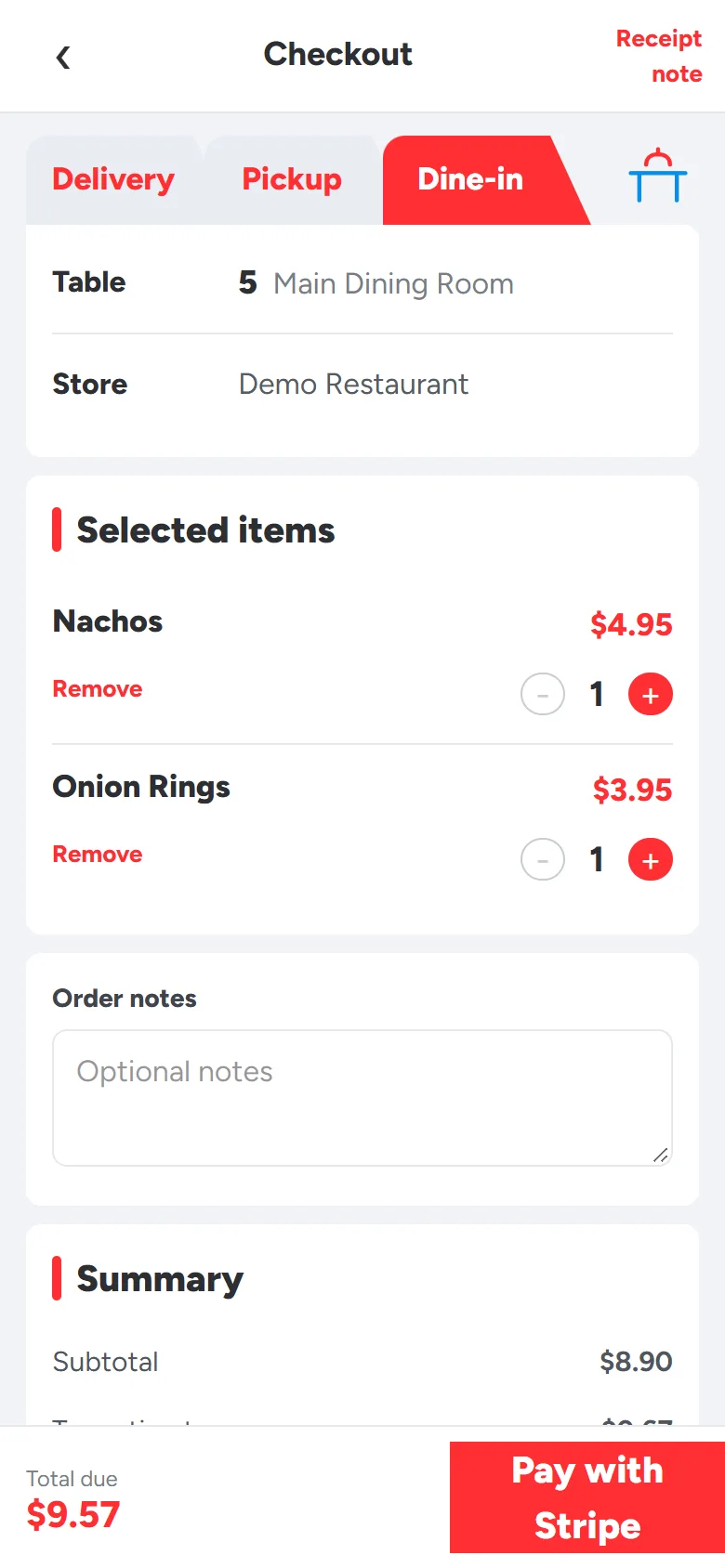
Point your phone's camera at the card to order as table 5. On a phone? Tap the card to order as table 5. Pay with test card 4242 4242 4242 4242.
Place a test order
The demo is a real Aldelo POS running a sample restaurant. Payments run in Stripe's test mode, so no real money changes hands.
Test card number
4242 4242 4242 4242
Use any future expiry date, any three-digit CVC and any name.
-
Open the menu
Scan the table 5 card above to order as a dine-in guest, or open the demo link and choose Pickup.
-
Add a few items
Pick anything from the menu, then tap Pay with Stripe at checkout.
-
Pay with the test card
Enter 4242 4242 4242 4242 on the Stripe payment page.
-
Watch it arrive
Once Aldelo has saved the order, your phone shows Order confirmed.
Let guests take their own orders
Every table that orders by QR code skips four jobs your servers do today. That's where self-ordering cuts labor costs: the same floor runs on fewer staff hours, and the people you do schedule spend their time running food and looking after guests.
| For every table | Today | With QR self-ordering |
|---|---|---|
| Taking the order | A server walks over and writes it down. | Guests browse your menu and order on their own phone. |
| Entering it into Aldelo | Someone keys it in at the POS station. | It arrives in Aldelo by itself, already itemized. |
| Presenting the check | A server prints it and brings it over. | Guests see the total, tax included, before they pay. |
| Taking payment | A server runs the card and brings it back. | Guests pay online before the order is sent. |
Works with the Aldelo setup you already have
-
Your menu is already built
Items, prices, modifiers and pictures are read from your Aldelo database, so there's no second menu to type in.
-
Real Aldelo orders
Each paid order is saved in Aldelo POS as a regular order and sent to your kitchen printer, the same as one your staff rang in.
-
A QR code for every table
Each code opens the menu already set to its table, using the tables you've set up in Aldelo. The order reaches the POS with the table on it.
-
Pickup and delivery too
Guests' names, phone numbers and addresses go into Aldelo's customer file. Delivery follows the zip codes and charges you've set in Aldelo.
-
Paid before it's made
Guests pay through Stripe before the order reaches the kitchen, and the money goes to your own Stripe account.
-
No new hardware
It runs on the Windows PC that already runs Aldelo. Guests use their own phones, with no app to download.
Pay once. Use it for life.
AFRWebBridge is a one-time purchase with lifetime access. There's no subscription to renew, no monthly bill and no cut of your orders.
Open the live demo (opens in a new tab)Card payments go through your own Stripe account, and Stripe charges its standard processing fees there.
AFRWebBridge
Lifetime license
- License fee
- Paid once
- Monthly subscription
- $0.00
- Per-order commission
- $0.00
- Annual renewal
- $0.00
- Recurring fees
- $0.00
Thank you!